Marimo: Create your own data applications without coding
Stop constantly editing Excel. Instead, create your own data tools.
Stop endlessly tweaking Excel. Create your own data tools. Quickly and without complicated coding. Training is led by experienced instructors with years of practical experience across various industries. We focus on practical application — no unnecessary theory.
Who is this course for
Typically:
- Analysts (data, business, reporting)
- Marketers (PPC, e-commerce, performance)
- Product managers
- Finance and controlling
- Operations roles
This is for you if:
- You spend a lot of time in Excel
- You perform repetitive analyses or generate reports
- You want to work with larger datasets without slowing down
- You’re looking for a way to simplify and automate your work
- You don’t want to be dependent on developers
Basic knowledge of Excel (formulas, filters, pivot tables) is sufficient. Knowledge of SQL is a plus; Python is not required.
Do you work with data in Excel?
Then you’re probably familiar with this:
- The same analyses over and over again
- Large files that keep getting slower
- Complicated sharing with colleagues
- Dependence on someone who “knows how to code”
Marimo is the next logical step. You’ll keep working with the data you know. You’ll just make it significantly easier.
What You’ll Gain from the Course
By the end of the course, you’ll be able to:
- Create your own simple data applications
- Replace repetitive work in Excel with simple automation
- Work with larger datasets without slowing down
- Share clear, interactive outputs
- You won’t be dependent on programmers
A Major Advantage: AI Assistants
You don’t have to memorize syntax or worry about the details.
We’ll show you how to use AI assistants in marimo to help you:
- Write SQL queries
- Edit and analyze data
- Generate and explain code
- Build entire sections of the application
This makes the course accessible even to beginners.
How the course works
- Minimal theory, maximum practice
- You’ll map familiar concepts from Excel to new tools
- You’ll try everything out right away using practical examples
- High level of engagement thanks to exercises
Course duration
- 2 sessions of 4 hours each
- 8 hours total
What you’ll learn (briefly)
From Excel to Marimo
- Notebooks instead of workbooks
- Automatic calculations
- Interactive elements instead of pivot tables
- Easy sharing with colleagues
Basics of working in Marimo
- Your first notebook and working with cells
- Automatic updates
- Working with text and documentation
Working with data
- Importing CSV and Excel files
- Exploring data and basic metrics
- Analysis using SQL (without complex database setup)
Interactive applications
- Filtering and sorting data
- Linking controls to outputs
- Creating simple mini-apps
Visualization and sharing
- Creating charts
- Automatic updates
- Sharing and exporting
- Publishing as a web application (dashboard for colleagues)
Final Project
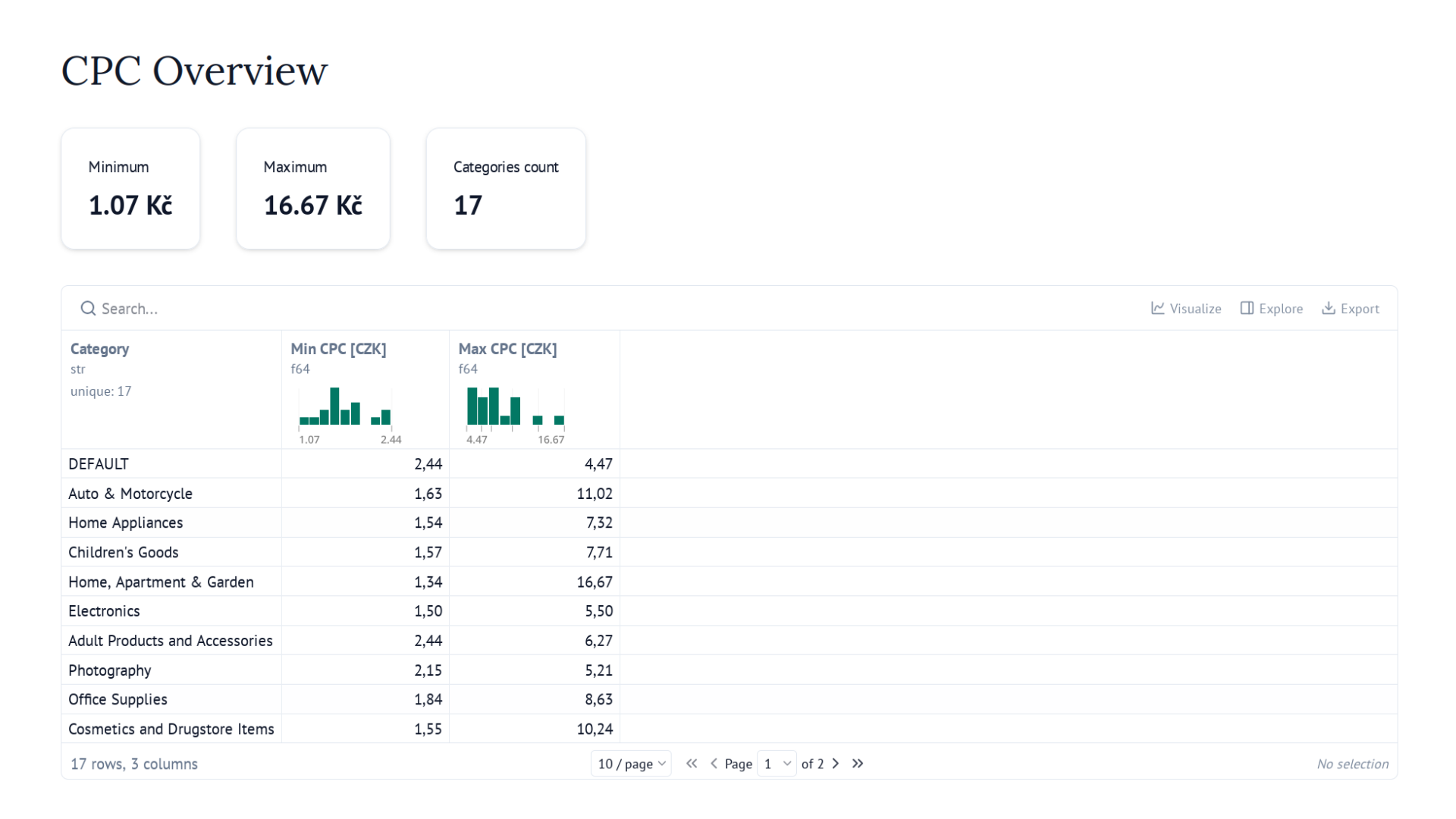
- You’ll create your own interactive dashboard
Want to take your data work to the next level?
Stop dealing with Excel’s limitations and start building your own tools. 👉 Contact us.